

This allows you to integrate agents into external systems, automate workflows, or connect them with other corporate applications. Each agent has a dedicated endpoint that lets you create new executions (threads) by sending instructions directly via HTTP.
Base Endpoint
Each agent has a unique URL for creating executions:POST https://api.devic.ai/v1/agents/{agent_id}/threads
The {agent_id} parameter is obtained from the agent’s view, in the “Agent API Documentation” dialog.
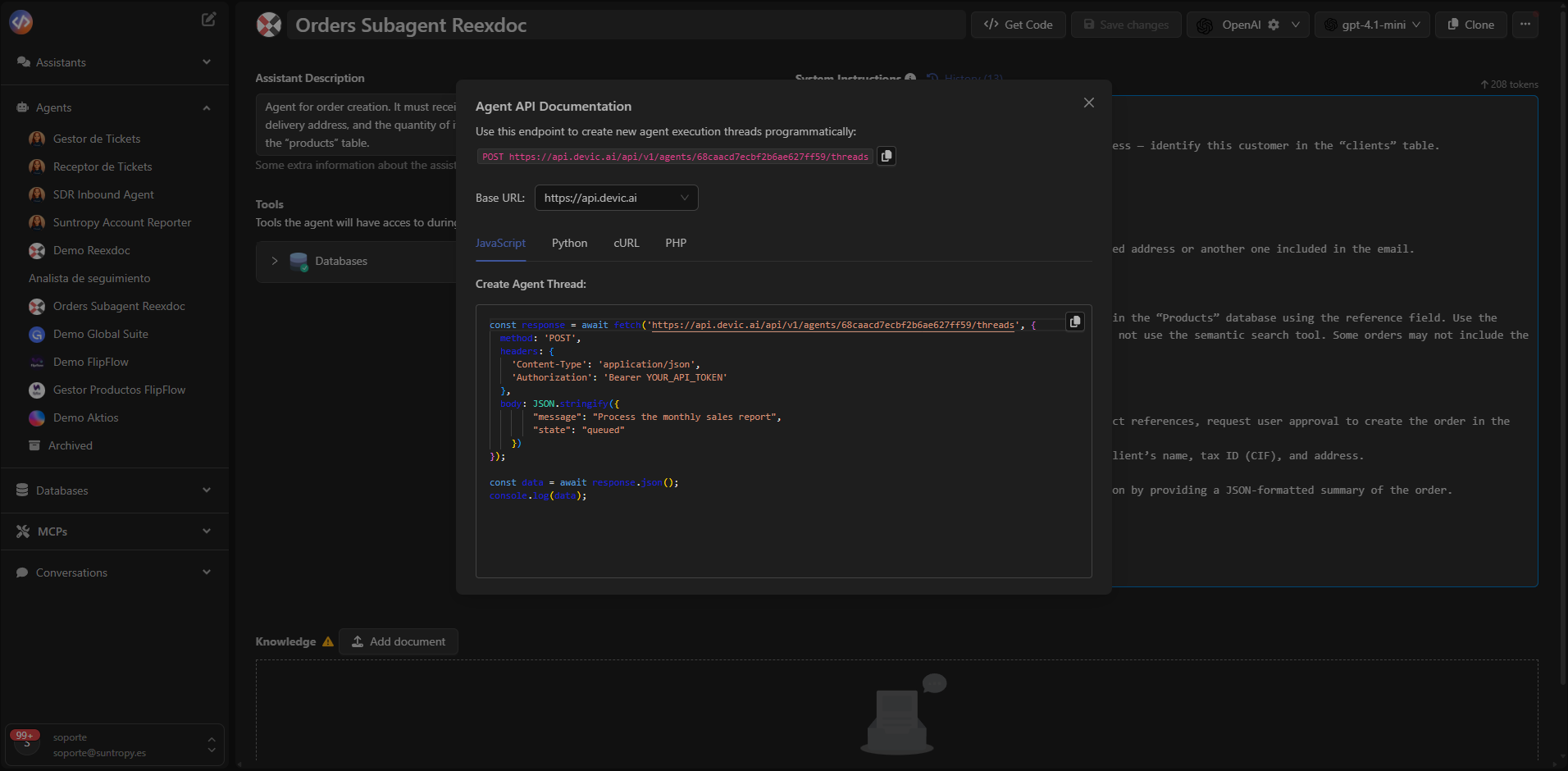
Usage Example
You can invoke an agent using any language that supports HTTP requests (JavaScript, Python, cURL, etc.).Below is an example in JavaScript using
fetch: