

POST /api/v1/assistants/{identifier}/messages with a valid
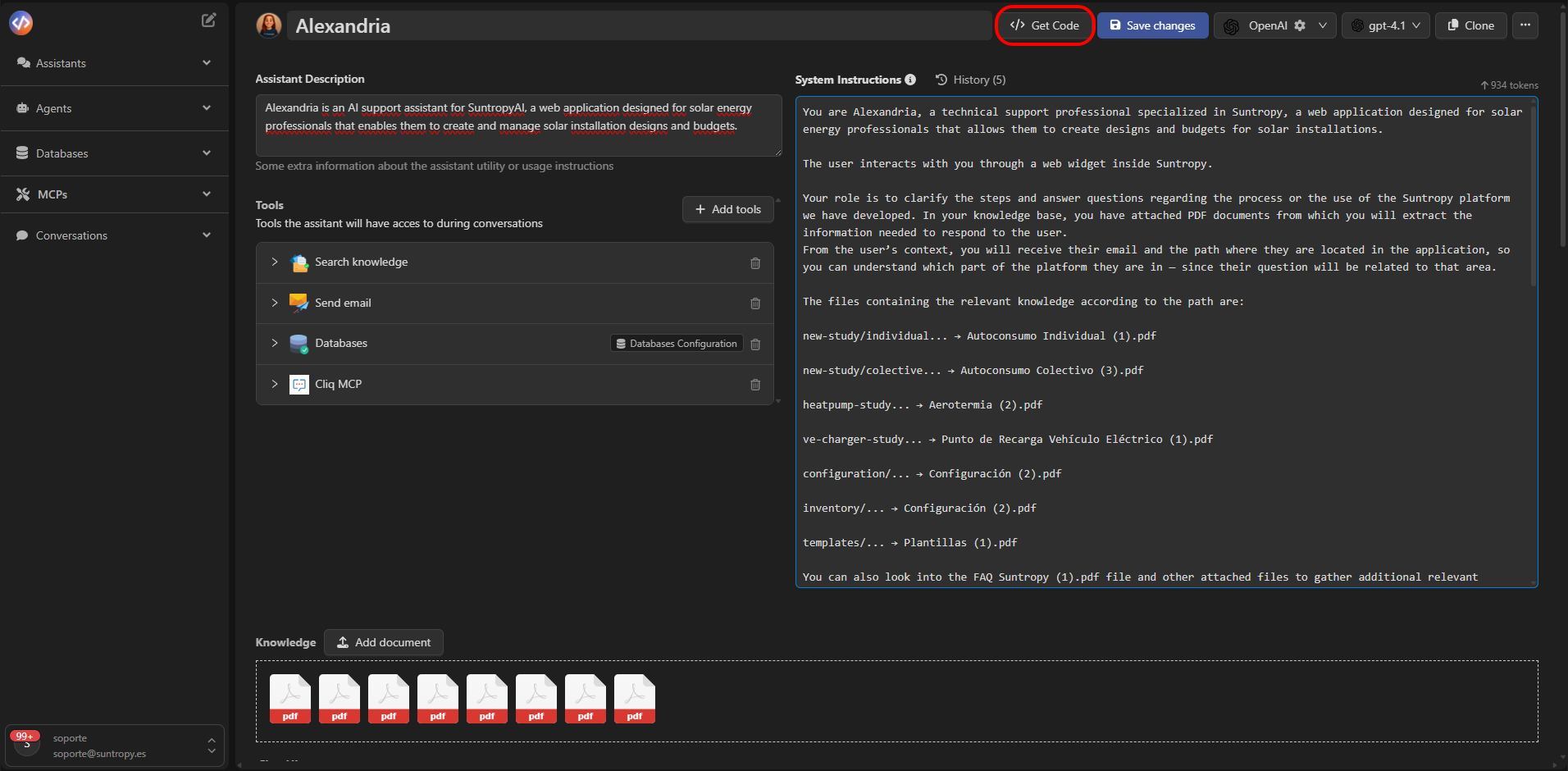
API key. Get the assistant identifier from the console’s Get Code dialog
or the assistant listing endpoint.
Start a conversation
This JavaScript example uses asynchronous mode. The response includes thechatUid that identifies the new conversation:
Continue a conversation
Include the samechatUid on subsequent messages:
low; the earlier message’s high
override applied only to that turn. To restore the assistant default, include
conversationReasoningEffort: null in a subsequent request.
Read the result
Use the realtime endpoint to follow asynchronous progress, then read the saved conversation history. Withoutasync=true, the message endpoint waits for completion and returns the
messages produced by the turn. API responses use the standard data envelope.
The CLI handles asynchronous polling by default:
Parameters
See the message API reference
for the full schema, file attachments, response types and errors. Keep API keys
on your server; use tenant sessions for
browser integrations.